Everything in one place
Exercises, plans, active and completed workouts, and statistics—so you can spot trends and adjust with intent.
Easy Gym Workout Tracker helps you structure training plans and workouts, log progress, and review results—clear, focused, and on your iPhone.
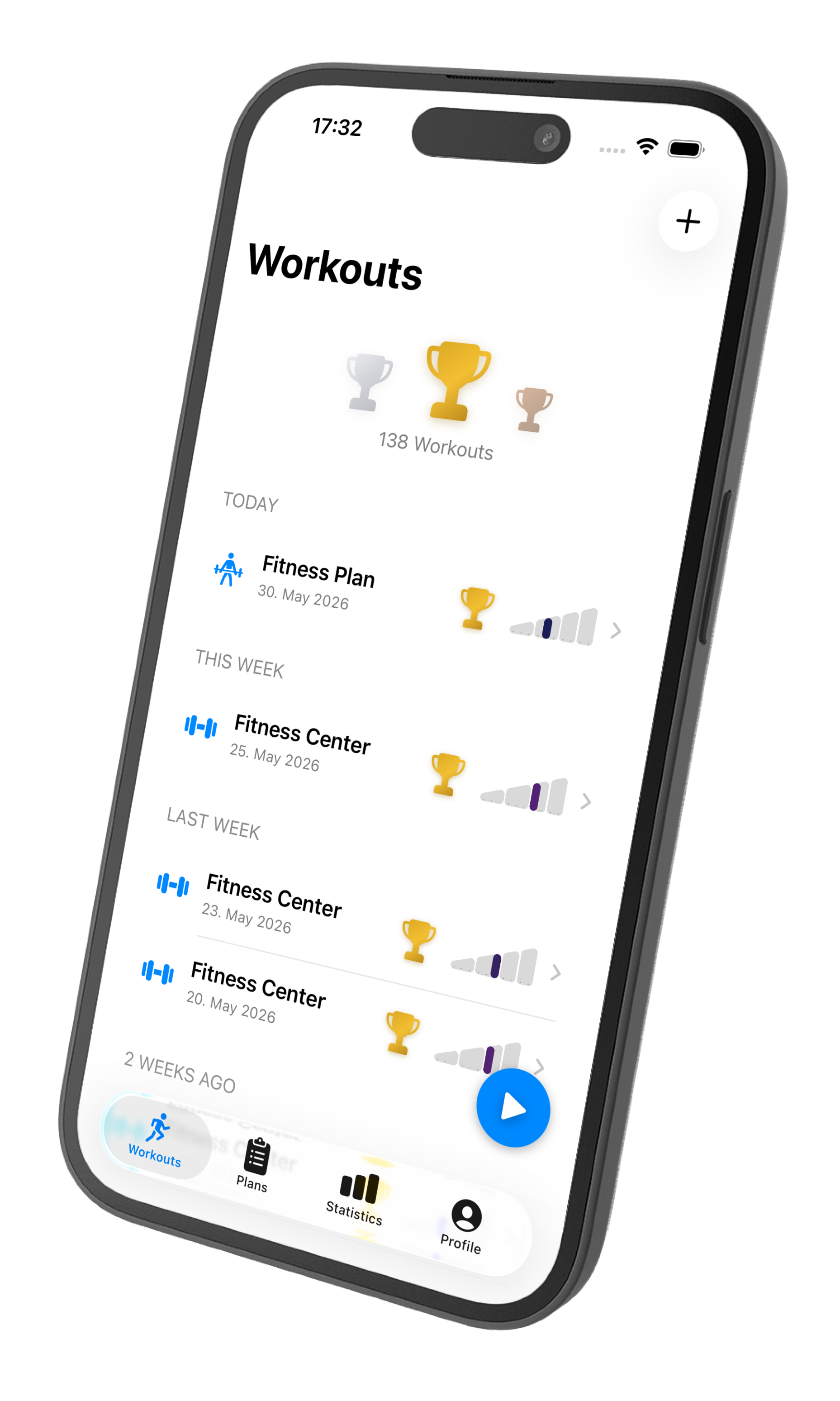
For anyone who takes strength training seriously—without unnecessary noise.
Part of aurarum—apps with one clear job. Our approach
Latest
The app has been updated—here's what's new:
Why Easy Gym Workout Tracker
Many apps overload you with gamification or forced cloud. Easy Gym Workout Tracker is built around documented strength training, plans, and analysis—you choose which extras you use.
Exercises, plans, active and completed workouts, and statistics—so you can spot trends and adjust with intent.
The app works with local data on your iPhone. Optionally use iCloud for sync—entirely under your settings.
Optionally connect Apple Health: import body weight and body fat, sync completed workouts with Fitness and Apple Watch. You can also save completed workouts to Apple Health retroactively.

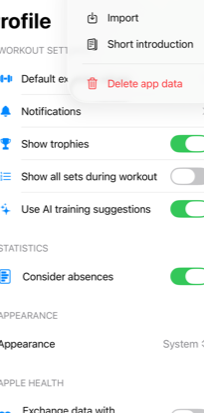
Using Easy Gym Workout Tracker with Apple Health on iPhone helps you keep weight, body fat, and workouts in one convenient place.
Your health data stays protected in Apple Health—encrypted and secured with the passcode on your iPhone.
At a glance
Not a ranking—just traits that follow from how the app is designed.
| Trait | Easy Gym Workout Tracker | Many all-in-one fitness apps |
|---|---|---|
| Emphasis on strength training & plans | Yes | Often a broader mix (cardio, challenges, content) |
| Training analytics & statistics | Yes | Sometimes, often focused on general activity |
| Apple Health / Fitness / Watch | Optional | Often |
| One clear job (training, not an all-in-one suite) | Yes | Often many areas beyond training |
What’s inside
From the first exercise to your review—features that work together.
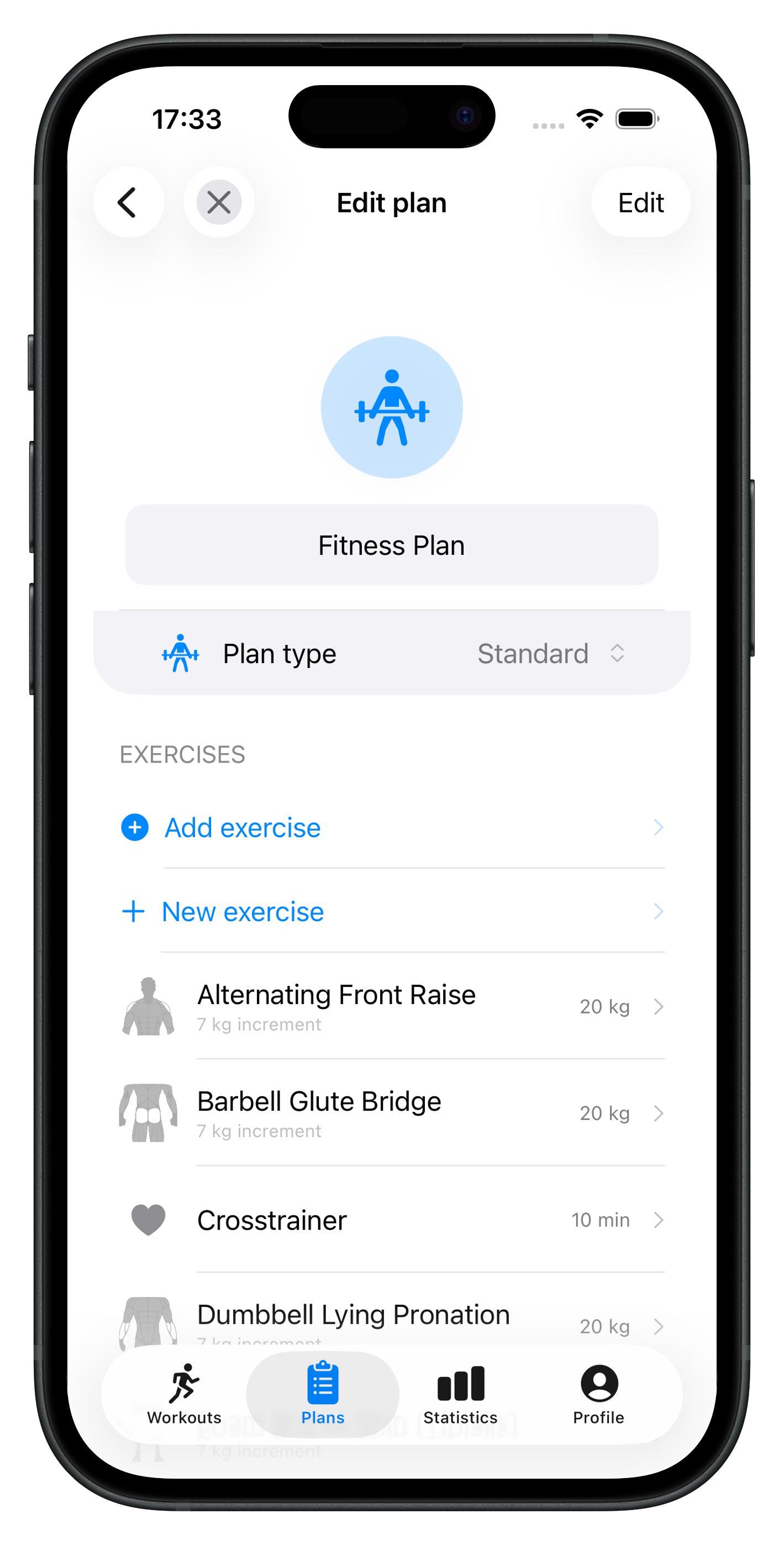
Create plans, start workouts, and log sets, reps, and weight.
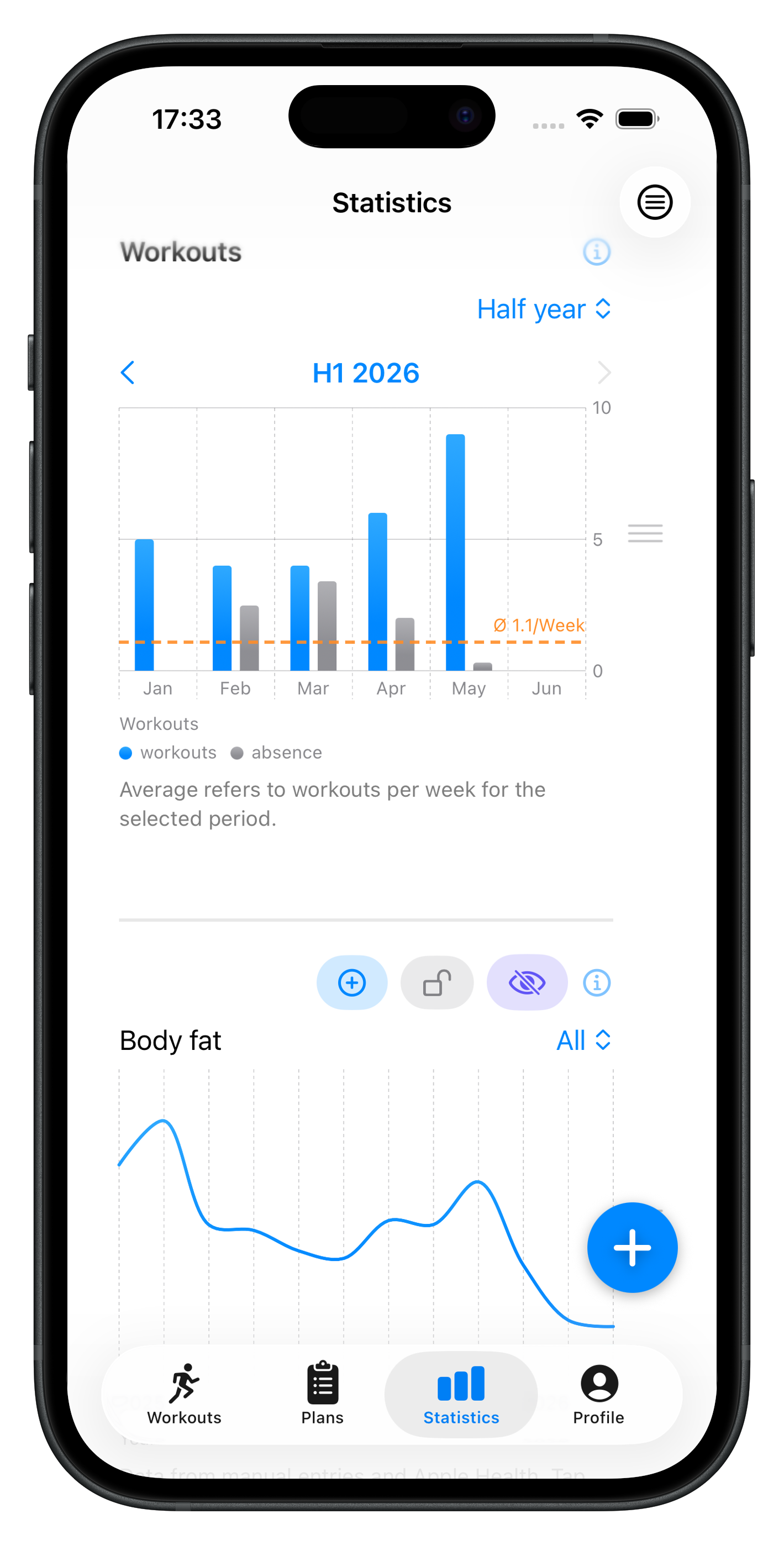
Statistics and trends so you can interpret progress and load.
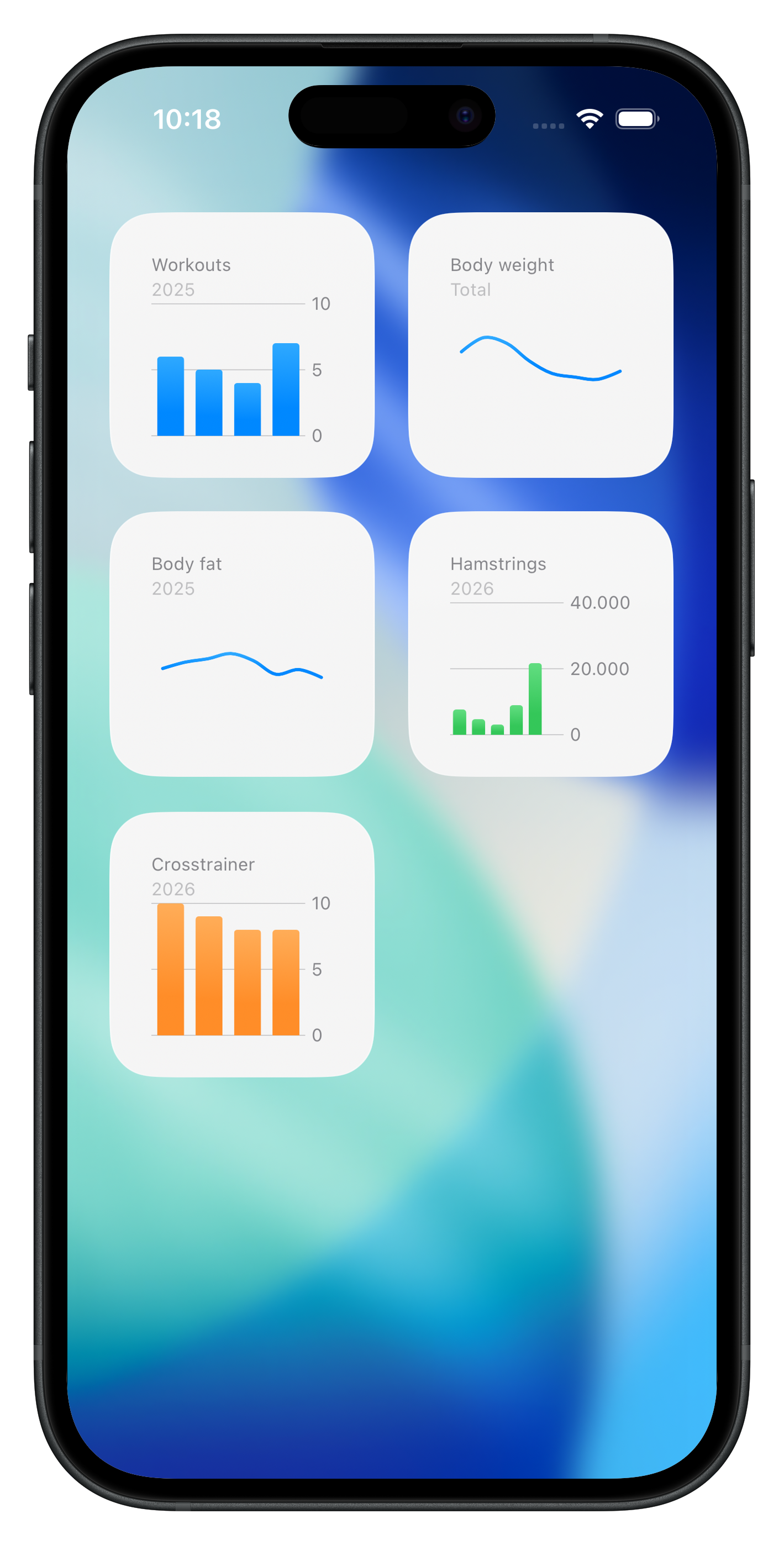
The app stays under your control—with optional extensions.
More features
Highlights from the app—no guarantee every feature exists on every iOS version; see the app and the App Store listing.
Per-workout history, log effort, record absences.
Default weight and reps per exercise for faster logging.
Images and GIFs on exercises for clarity.
Import paths for existing training data where supported.
Shortcuts integration to start a workout directly.
Light, dark, or system appearance—plus enlarged display elements in landscape mode.
FAQ
Short answers on data, Health, AI, and import.
The app stores data locally on your iPhone. If you enable iCloud sync, data can sync via iCloud—you control this in settings.
You can import body weight and body fat, for example, and link completed workouts with the Fitness app and Apple Watch. Completed workouts can also be transferred to Apple Health retroactively—handy if the connection wasn't active during the workout. You grant permissions in iOS inside the app. The connection is optional and is only used after you enable it in the app settings.
In the header, hero section, and page footer you’ll find the official App Store badge—a tap opens the Easy Gym Workout Tracker product page on the App Store.
On-device AI can, if you want, look at past sessions and e.g. suggest adjusting weight. You always decide whether to accept a suggestion. You can turn the feature off.
Yes—the app supports importing from other fitness apps plus export and structured imports where formats match. See import/export options in the app.
Notifications can remind you of each workout plan’s training days and times, and when a rest period ends. You choose the type (e.g. standard notification or alarm, depending on iOS version).
Yes—including Live Activities during an active workout and widgets for statistics. Availability depends on your iOS version.
Easy Gym Workout Tracker is available on the App Store—start with your first plan or workout right away.